
Submit a Not Guilty Plea on myNYcourts
Need to submit a plea? Skip the line and submit your electronic plea on myNYcourts. Follow the steps below to submit a not guilty plea:
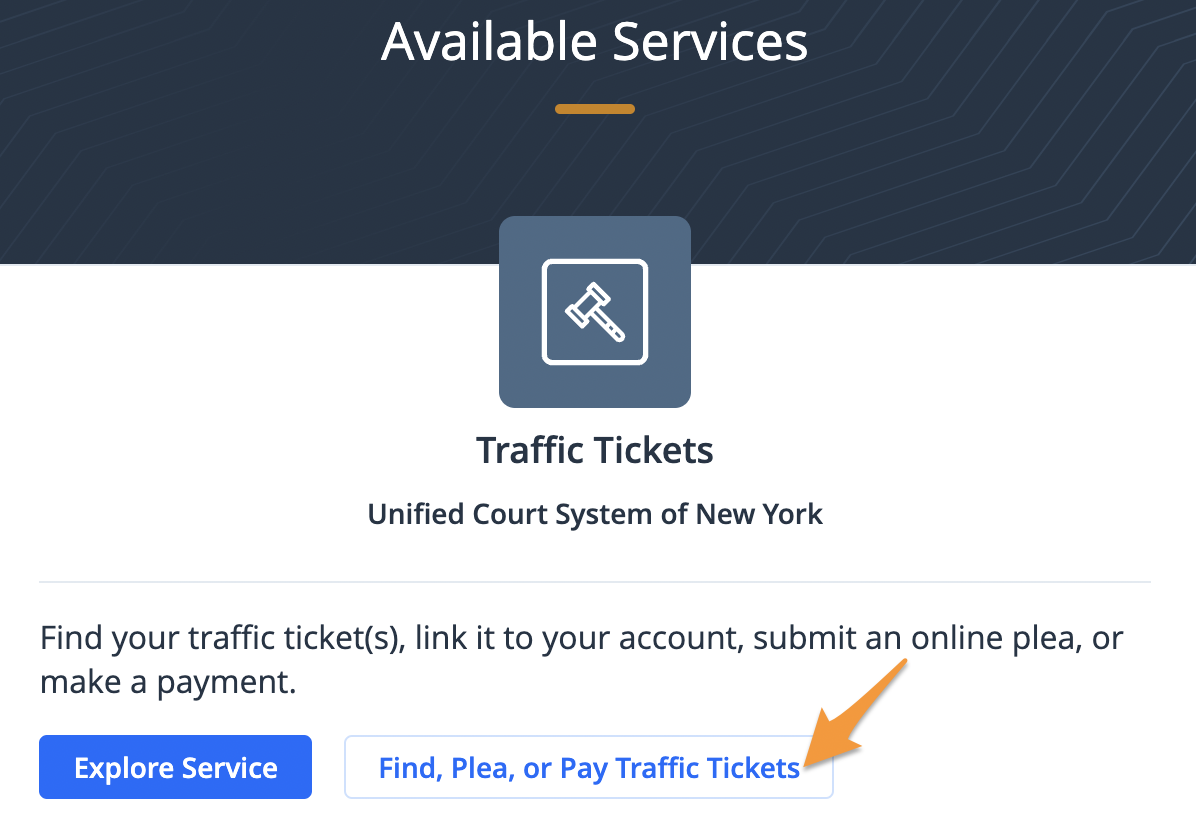
- Log in (see Create a Profile on myNYcourts) and click Find, Plea, or Pay Traffic Tickets
- Select a search option to locate your traffic ticket

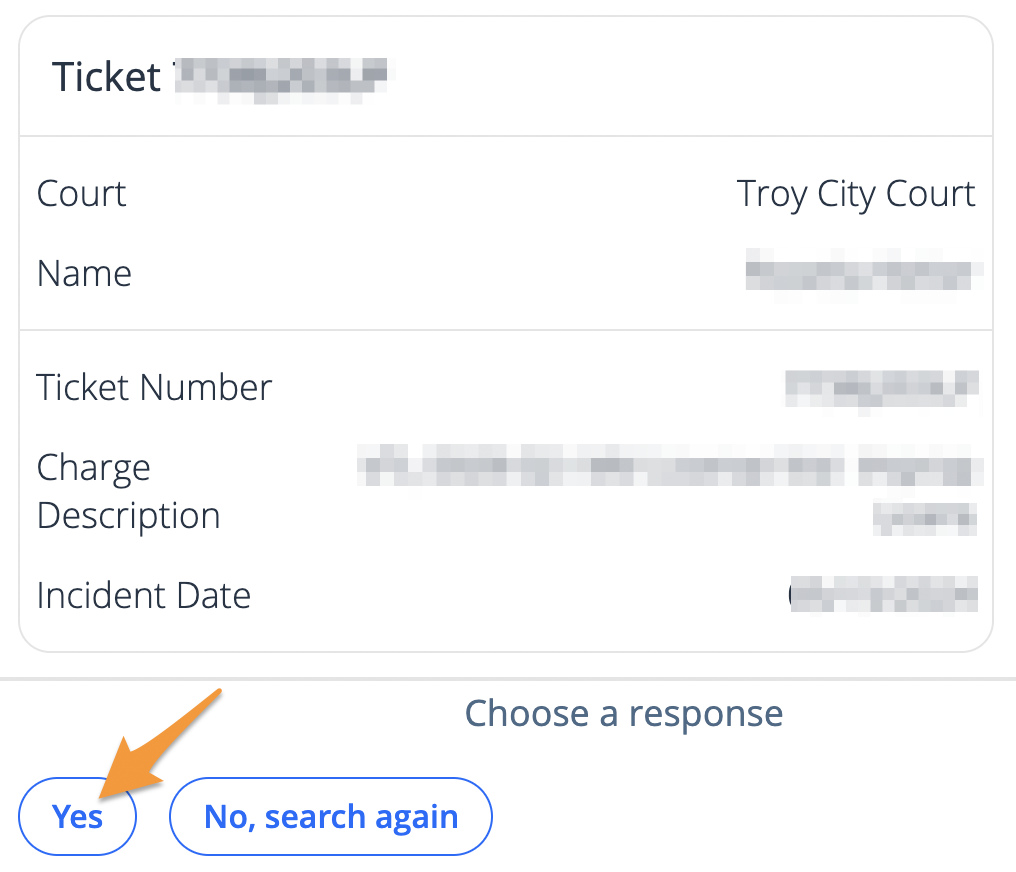
- The result(s) of your search will be displayed. Confirm this is the correct ticket by clicking Yes. If something does not look right, click No, search again.
- Click Plead not guilty

- Confirm your email and mailing address are correct by clicking Yes. If something does not look right, click No.

- Choose your preferred method of communication by selecting Email or Standard Mail

- Request a supporting deposition by clicking Yes or click No to decline
- Click Submit NOT GUILTY plea to complete your submission

Your not guilty plea has been submitted and an email confirmation will be sent. The court will contact you according to your communication preferences.
Related Articles: